Home

Belajar Berdua, Progres Berlipat, Kisah Dua Sahabat di Gianyar Language Club
- Details
- Written by: Administrator
- Category: Program & Layanan
- Hits: 50
Belajar bahasa Inggris tidak selalu harus dilakukan sendirian atau dalam kelas besar yang ramai. Di Gianyar Language Club, kami juga membuka ruang bagi peserta yang ingin belajar bersama orang terdekat, karena rasa nyaman yang dibangun dari kebersamaan seringkali menjadi kunci percepatan dalam belajar bahasa.
Salah satu contoh nyata datang dari dua sahabat yang memutuskan mengikuti kelas bahasa Inggris secara berdua saja. Keduanya sengaja memilih kelas privat khusus untuk dua orang, bukan karena ingin eksklusif, melainkan karena mereka menyadari bahwa suasana belajar yang nyaman akan membuat proses penyerapan bahasa menjadi jauh lebih maksimal. Ketika belajar bersama sahabat sendiri, rasa canggung dalam mencoba berbicara, membuat kesalahan, atau melatih pengucapan menjadi jauh berkurang.
<iframe width="1337" height="757" src="https://www.youtube.com/embed/aCexUoMc2uQ" title="Percakapan Bahasa Inggris" frameborder="0" allow="accelerometer; autoplay; clipboard-write; encrypted-media; gyroscope; picture-in-picture; web-share" referrerpolicy="strict-origin-when-cross-origin" allowfullscreen></iframe>Keduanya juga mengatur waktu belajar sesuai kesepakatan bersama, kemudian menyesuaikannya dengan jadwal pengajar di Gianyar Language Club. Fleksibilitas semacam ini menjadi salah satu keunggulan kelas privat berdua, karena jadwal belajar dapat disusun mengikuti ritme kesibukan masing masing peserta, tanpa harus menyesuaikan diri dengan banyak orang dalam satu kelas besar.
Hal menarik lainnya, setiap sesi pembelajaran dan latihan percakapan mereka direkam secara berkala. Rekaman ini bukan sekadar dokumentasi, melainkan alat evaluasi yang sangat berharga. Dengan mendengarkan kembali rekaman percakapan dari waktu ke waktu, kedua sahabat ini dapat melihat secara nyata perkembangan pengucapan, kelancaran, dan kepercayaan diri mereka dari sesi ke sesi. Perubahan yang mungkin tidak terasa saat sedang belajar, menjadi sangat jelas terlihat ketika dibandingkan dari rekaman awal hingga rekaman terbaru.
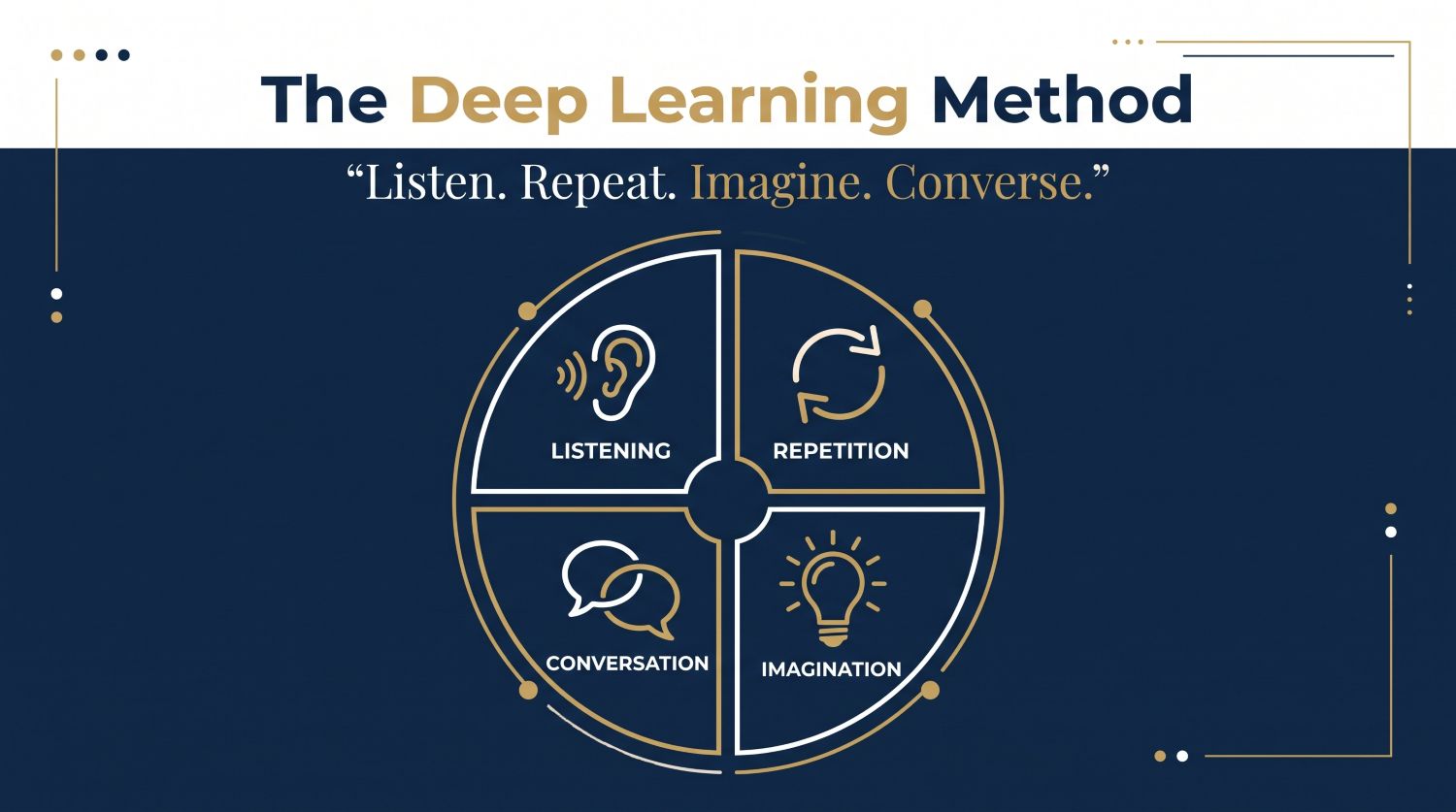
Pendekatan belajar berdua seperti ini sejalan dengan metode Deep Learning yang diterapkan di Gianyar Language Club. Latihan mendengar dan mengulang terasa lebih alami saat dilakukan bersama teman yang saling memahami, sementara sesi imajinasi situasi dan latihan percakapan menjadi lebih hidup karena dilakukan dengan lawan bicara yang sudah akrab satu sama lain.
Kisah dua sahabat ini menjadi bukti bahwa belajar bahasa Inggris tidak harus terasa formal dan menegangkan. Ketika dijalani bersama orang yang tepat, dengan jadwal yang fleksibel dan evaluasi yang konsisten melalui rekaman, proses belajar justru berubah menjadi pengalaman yang menyenangkan sekaligus membawa hasil yang terukur.
Jika Anda dan sahabat, pasangan, atau rekan kerja tertarik menjalani pengalaman belajar yang sama, Gianyar Language Club siap mengatur kelas privat berdua sesuai kebutuhan dan jadwal Anda. Hubungi kami untuk konsultasi lebih lanjut mengenai program ini.
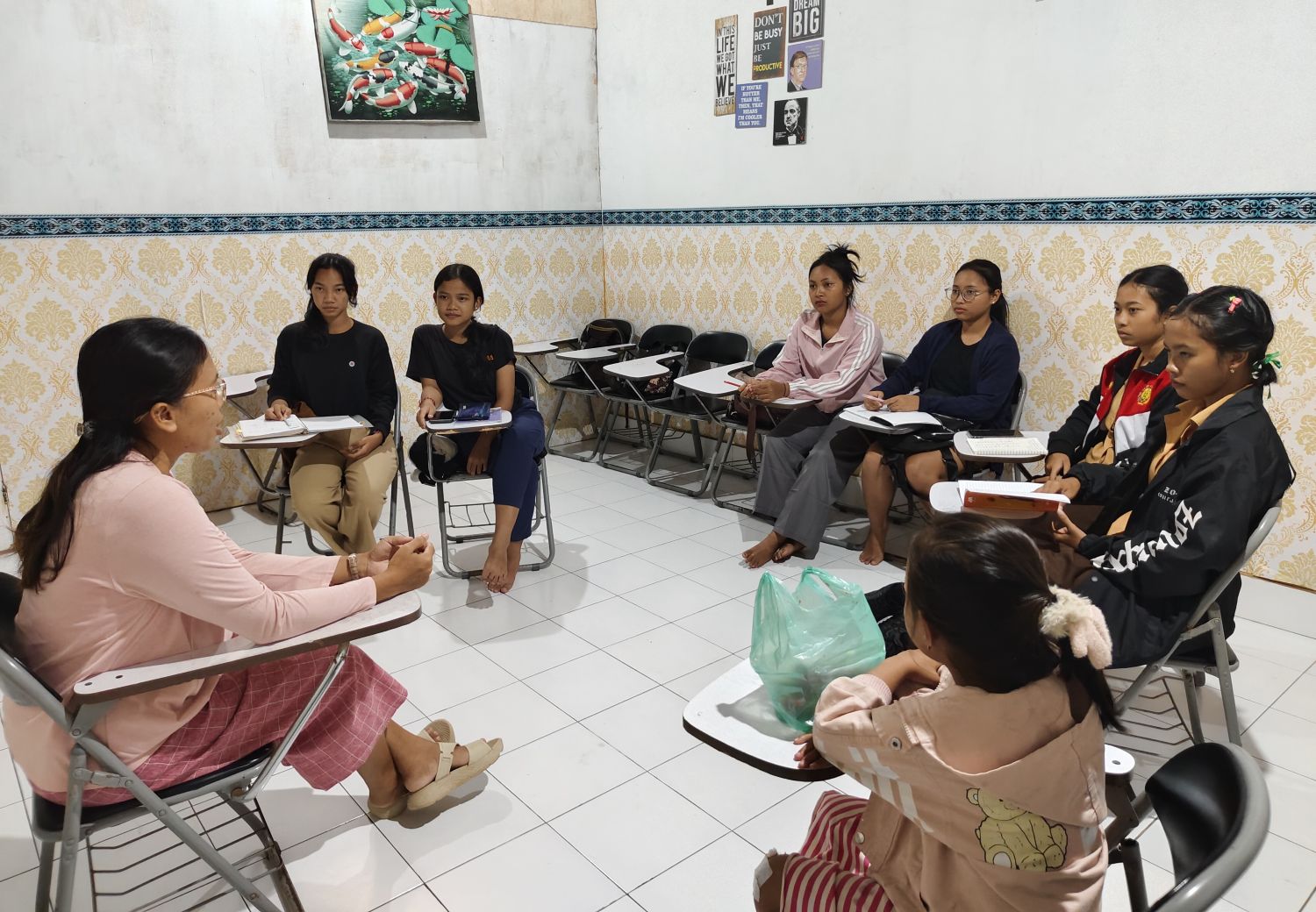
Beginner, ESP, dan TOEFL: Program Mana yang Tepat untuk Anda?
- Details
- Written by: Administrator
- Category: Program & Layanan
- Hits: 55
Memilih program bahasa Inggris yang tepat adalah langkah pertama menuju hasil yang nyata. Di Gianyar Language Club, kami merancang tiga jalur belajar yang disesuaikan dengan kebutuhan spesifik setiap peserta, bukan sekadar kelas umum yang sama untuk semua orang.
Program Beginner cocok bagi Anda yang ingin membangun fondasi dari nol dengan cara yang terstruktur dan tidak membingungkan. Fokusnya ada pada percakapan sehari hari, kosakata dasar, dan kepercayaan diri berbicara.
Read more: Beginner, ESP, dan TOEFL: Program Mana yang Tepat untuk Anda?
Lima Kebiasaan Harian yang Mempercepat Penguasaan Bahasa Inggris
- Details
- Written by: Administrator
- Category: Metode Belajar
- Hits: 39
Menguasai bahasa Inggris bukan soal seberapa lama Anda belajar dalam satu waktu, melainkan seberapa konsisten Anda melatihnya setiap hari. Berikut lima kebiasaan sederhana yang terbukti efektif dan bisa langsung Anda terapkan.
Pertama, biasakan mendengarkan konten berbahasa Inggris setiap hari, baik melalui podcast, video, maupun lagu. Telinga yang terbiasa akan mempercepat kemampuan memahami percakapan alami.
Read more: Lima Kebiasaan Harian yang Mempercepat Penguasaan Bahasa Inggris
Metode Deep Learning: Cara Belajar Bahasa Inggris yang Lebih Dalam dan Bertahan Lama
- Details
- Written by: Administrator
- Category: Metode Belajar
- Hits: 43
Banyak orang belajar bahasa Inggris bertahun tahun namun tetap kesulitan berbicara secara alami. Masalahnya bukan pada kecerdasan atau kemampuan, melainkan pada pendekatan belajar yang digunakan. Di Gianyar Language Club, kami mengembangkan metode Deep Learning, sebuah pendekatan yang mengajak peserta belajar bahasa Inggris bukan sekadar menghafal, melainkan menyerap bahasa secara alami sebagaimana manusia memperoleh bahasa pertamanya.
Read more: Metode Deep Learning: Cara Belajar Bahasa Inggris yang Lebih Dalam dan Bertahan Lama
Page 1 of 4